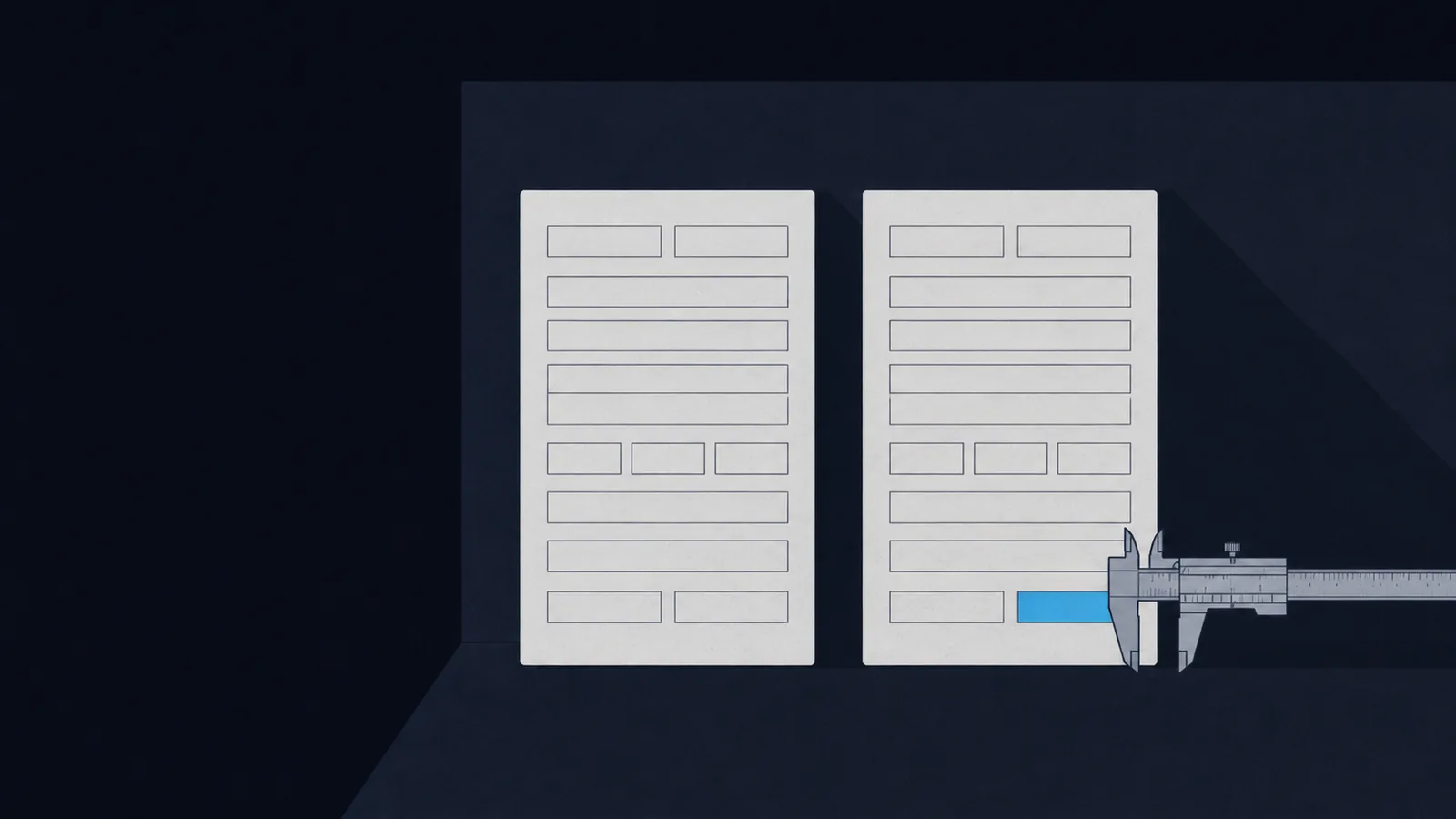
When two public records disagree, the more specific field wins
Here's the whole discipline in one rule: when two public records disagree, the more specific field wins. Two Microsoft advisories from 2021 carry the identical title "Windows Print Spooler Remote Code Execution Vulnerability." Only one of them is the remote code execution bug the world calls PrintNightmare. The titles can't tell you which. The severity vectors can, instantly, and that is the answer to picoCTF's CVE-XXXX-XXXX.
Open-source intelligence sounds like a spy-movie skill. In CTFs it's more boring and more useful than that: it's the habit of reading what a public record actually says instead of what its headline implies. A PDF that looks redacted, a photo that looks anonymous, a packet capture that looks like noise, a leaked password list that looks random. All four are talking. You just have to open them somewhere other than the viewer they were designed for.
When: A prose description of a known bug, product, or event, and you need its canonical ID
When: A document renders as sanitized, but the source layer was never touched
When: An image carries coordinates, or a checker wants a specific EXIF field set
When: A capture contains a protocol field that identifies a file, a device, or a network
When: You have personal details and need the password a real person built from them
Which CVE is it?
picoCTF 2022's CVE-XXXX-XXXX gives you one sentence: reproduce the CVE for the first Windows Print Spooler remote code execution vulnerability of 2021. The flag is the identifier itself, wrapped as picoCTF{CVE-2021-...}. It looks like a two-minute search. It is a two-minute search that lands most people on the wrong number.
Search that sentence and you get two candidates, both assigned by Microsoft, both from 2021, both about the Print Spooler. And here is the part that makes this challenge worth writing about: they have the same title. Not a similar title. Byte-for-byte identical.
| Field | CVE-2021-1675 | CVE-2021-34527 |
|---|---|---|
| Title | Windows Print Spooler Remote Code Execution Vulnerability | Windows Print Spooler Remote Code Execution Vulnerability |
| Published | 2021-06-08 | 2021-07-02 |
| CVSS v3.1 base | 7.8 High | 8.8 High |
| Attack vector | AV:L (local) | AV:N (network) |
| User interaction | UI:R (required) | UI:N (none) |
| Called PrintNightmare by Microsoft | No | Yes |
The title says "remote code execution" on both rows. The vector says AV:L on one of them, and per the CVSS v3.1 specification that means the attacker needs local access to the machine. A bug you can only reach locally is not the remote one, whatever the headline is called. CVE-2021-34527 carries AV:N and UI:N: reachable over the network, no user needed. That's your answer, and you got it from a structured field rather than from a blog post's opinion.
The title is marketing for the bug. The vector is the bug.
Then confirm it, because a single field is a hypothesis and not yet a finding. Two independent records close this one. Microsoft's own CVE record for 34527 says the July 2021 updates "contain protections for CVE-2021-1675 and the additional remote code execution exploit in the Windows Print Spooler service known as PrintNightmare, documented in CVE-2021-34527." The vendor is naming the bug in its own record. And CERT/CC's VU#383432 states that 34527 is "similar but distinct" from 1675 and adds, in four words that would have saved a lot of people a lot of time, "The attack vector is different as well."
The workflow generalizes past this one challenge. When a CTF hands you a description and wants an identifier back, work down a fixed ladder:
# 1. The catalog record itself, not a summary of itcurl -s https://cveawg.mitre.org/api/cve/CVE-2021-34527 | jq '.containers.cna.descriptions'# 2. The severity vector, which is where the real behavior is encodedcurl -s https://cveawg.mitre.org/api/cve/CVE-2021-34527 | jq '.containers.cna.metrics'# 3. Whether anyone confirmed real-world exploitation, and whencurl -s https://www.cisa.gov/sites/default/files/feeds/known_exploited_vulnerabilities.json \| jq '.vulnerabilities[] | select(.cveID=="CVE-2021-34527")'
That third command is the step most people skip. CISA's Known Exploited Vulnerabilities catalog added both Print Spooler CVEs on the same day, November 3, 2021, and then gave them very different remediation deadlines: two weeks for 1675, roughly six months for 34527. Two entries, same day, same product, same title, wildly different urgency. The catalog is telling you they are not the same bug even where the titles refuse to.
My honest opinion on this challenge: it is the most undervalued easy question in picoCTF. It teaches the one habit that separates people who read advisories from people who read headlines about advisories, and it does it in about ten minutes.
What survived the redaction?
A black rectangle over text is a drawing of a secret, not the removal of one. In a PDF, the characters live in a content stream and the rectangle is a separate object painted on top. Extract the text layer and the rectangle simply isn't there.
That's the whole of Redaction gone wrong. Two commands, no cleverness:
sudo apt install poppler-utils # or: brew install popplerpdftotext Financial_Report_for_ABC_Labs.pdfgrep -oE "picoCTF\{.*\}" Financial_Report_for_ABC_Labs.txt
The flag comes out as picoCTF{C4n_Y0u_S33_m3_f...}, which is the challenge author being funny about exactly this.
Enhance! runs the same play in a different container. The hint tells you to zoom in, which is the trap. It's an SVG, and per the W3C SVG 1.1 spec a <text> element stores its characters as XML text nodes. The characters are sitting in the file as characters. Rendering them at four pixels tall doesn't make them less readable to a parser.
strings drawing.flag.svg | grep '>'strings drawing.flag.svg | grep '>' | cut -d '>' -f2 | cut -d '<' -f1 | tr -d '\n '
Build the pipeline one stage at a time and look at the output of each. It is faster than debugging a five-stage pipe that printed nothing, and it's a habit worth having before you hit harder challenges.
strings file | grep -i picoctf and exiftool file. A surprising number of "forensics" challenges end there, and the two commands cost you four seconds.Where does this go beyond the CTF? Court filings, government FOIA releases, and corporate disclosures get published with cosmetic redaction often enough that journalists have a routine for it. The technique is identical. The only difference is that nobody put a flag in the recovered text. For the deeper version of this workflow, including embedded objects, revision history, and the metadata that outlives an edit, see document forensics for CTF.
Where was this taken?
Cameras write more than pixels. EXIF blocks routinely carry GPS coordinates, a device model, a lens, a serial number, and several timestamps that don't always agree with each other. ExifTool reads and writes nearly all of it, which makes it both the analysis tool and, in one picoCTF challenge, the exploit.
Mr-Worldwide hands you a message of coordinate pairs. Reverse-geocode each one, take the first letter of every city, and the letters spell the flag, which starts picoCTF{KODIAK_...}. It's a toy, but it drills the real reflex: coordinates are an identifier, and identifiers resolve to names.
pip install geopypython3 -c "from geopy.geocoders import Nominatimimport timeg = Nominatim(user_agent='ctf-osint')# 'city' is empty for anywhere small, so fall back down the place keysKEYS = ('city', 'town', 'village', 'hamlet', 'municipality', 'county')for lat, lon in [(57.790, -152.407)]:a = g.reverse((lat, lon)).raw['address']print(lat, lon, next((a[k] for k in KEYS if k in a), a))time.sleep(1) # Nominatim asks for one request per second"
Blast from the past inverts it. A remote checker demands that every timestamp in the image, down to the subsecond fields and a vendor-specific Samsung tag, reads as the Unix epoch. Getting the obvious three date fields is not enough, which is the lesson: an image has more clocks than you think, and a verifier that checks all of them will find the one you missed.
exiftool -time:all -a -G1 original.jpg # every time field, grouped, before you touch itexiftool -SubSecCreateDate='1970:01:01 00:00:00.001' \-SubSecDateTimeOriginal='1970:01:01 00:00:00.001' \-SubSecModifyDate='1970:01:01 00:00:00.001' original_modified.jpg
exiftool -time:all -a -G1 is the command to run first and last. Run it first to see every clock the file carries, and last to confirm you actually changed all of them. Editors, uploads, and messaging apps each rewrite a different subset.The uncomfortable real-world version: this is how people get found. A photo posted with its EXIF intact carries the coordinates of wherever the shutter fired. Most social platforms strip it on upload, which is genuinely good of them, and most direct file transfers do not. If you want the full field-by-field tour, including the tags that survive a crop and the ones that don't, that's EXIF metadata forensics.
Who is on this capture?
Protocols leak identity as a side effect of working correctly. Nobody designed BitTorrent to deanonymize downloads, but BEP 3 defines the info_hash as the SHA-1 of the torrent's info dictionary, and that hash is broadcast to every peer and tracker in the swarm. It is a globally unique fingerprint of one exact file, and public indexes let you look it up.
That's Torrent Analyze: pull the most frequent info_hash out of the capture's DHT queries, resolve it to a torrent name, and the file name is the flag.
# The DHT dissector has no info_hash field, so read it off the Info columntshark -r torrent.pcap -Y bt-dht -T fields -e _ws.col.info \| grep -oE 'Info_hash=[0-9a-f]+' | sort | uniq -c | sort -rn | head
WPA-ing Out is the same idea applied to Wi-Fi. A captured four-way handshake contains enough material to test passphrase guesses offline, so the network's security collapses to the quality of its password. Aircrack-ng does the work in one line:
aircrack-ng -w /usr/share/wordlists/rockyou.txt wpa-ing_out.pcap
Note what is not happening there. Nothing is being attacked, nothing is being contacted, nothing is even online. The handshake was recorded once and the guessing happens on your laptop, forever, at whatever speed your hardware allows. That asymmetry is the entire reason passphrase length matters more than passphrase cleverness.
What do their passwords look like?
The last step of an OSINT chain is usually a person, and people build passwords out of the same public details you have just spent an hour collecting. A pet's name, a birth year, a partner, a team. This is why NIST SP 800-63B-4 tells verifiers to check new passwords against lists of previously breached values and to drop the old composition rules: the rules produced predictable output, and predictable output is exactly what a profiler generates.
Password Profiler gives you a target dossier and a SHA-1 hash. CUPP turns the dossier into a candidate list built from name, nickname, birthdate, and the rest, and the hash falls to that list rather than to a generic dictionary.
cat userinfo.txt hash.txtgit clone https://github.com/Mebus/cupp.git && cd cupppython3 cupp.py -i # answer from userinfo.txt, then use the generated wordlist
Credential Stuffing takes the other side: a dump of leaked pairs and a login service that accepts every one of them until one works. The flag says the lesson out loud, picoCTF{d0nt_r3u5e_cr3d3nt1als_...}, and the attack is only possible because reuse is the norm rather than the exception.
The cracking mechanics themselves, hash identification, wordlist rules, and when hashcat beats John, are a subject of their own in the hash cracking guide. What OSINT adds is the part that comes before: a wordlist built from one specific person beats a generic dictionary of fourteen million entries, because it is guessing what that person would actually have typed.
Quick reference
Nine challenges, five techniques, and the command that starts each one.
| Question | First command | picoCTF challenge |
|---|---|---|
| Which CVE is this? | curl -s https://cveawg.mitre.org/api/cve/CVE-... | jq . | CVE-XXXX-XXXX |
| Is this PDF really redacted? | pdftotext file.pdf - | grep -i picoctf | Redaction gone wrong |
| What is in this drawing? | strings file.svg | grep '>' | Enhance! |
| Where and when was this shot? | exiftool -time:all -gps:all -a -G1 img.jpg | Blast from the past, Mr-Worldwide |
| What file was downloaded? | tshark -r c.pcap -Y bt-dht -T fields -e _ws.col.info | Torrent Analyze |
| What is this Wi-Fi password? | aircrack-ng -w rockyou.txt capture.pcap | WPA-ing Out |
| What would this person pick? | python3 cupp.py -i | Password Profiler, Credential Stuffing |
If you want these in a sequence rather than a table, the recon guide covers the enumeration side, and archive cracking picks up where the credential section leaves off.
Two CVE records in 2021 shared a title, a product, and a severity rating. One field in the vector said local, one said network, and that single letter was the whole answer. Read the field, not the headline.
Sources and further reading
Vendor and standards records first, because in OSINT the primary document is the finding.
- The two Print Spooler records: CVE-2021-34527 and CVE-2021-1675, plus Microsoft's Security Update Guide entry naming PrintNightmare.
- CERT/CC VU#383432, which states the two are "similar but distinct" and that the attack vector differs, and CISA's Known Exploited Vulnerabilities catalog for the confirmed-exploitation dates.
- FIRST's CVSS v3.1 specification for what
AV:NandAV:Lactually assert. - Format and protocol references: W3C SVG 1.1 text, ExifTool, BitTorrent BEP 3, and the Aircrack-ng documentation.
- NIST SP 800-63B-4 on breached-password screening and why composition rules were dropped.