Every web challenge is an HTTP request you can edit
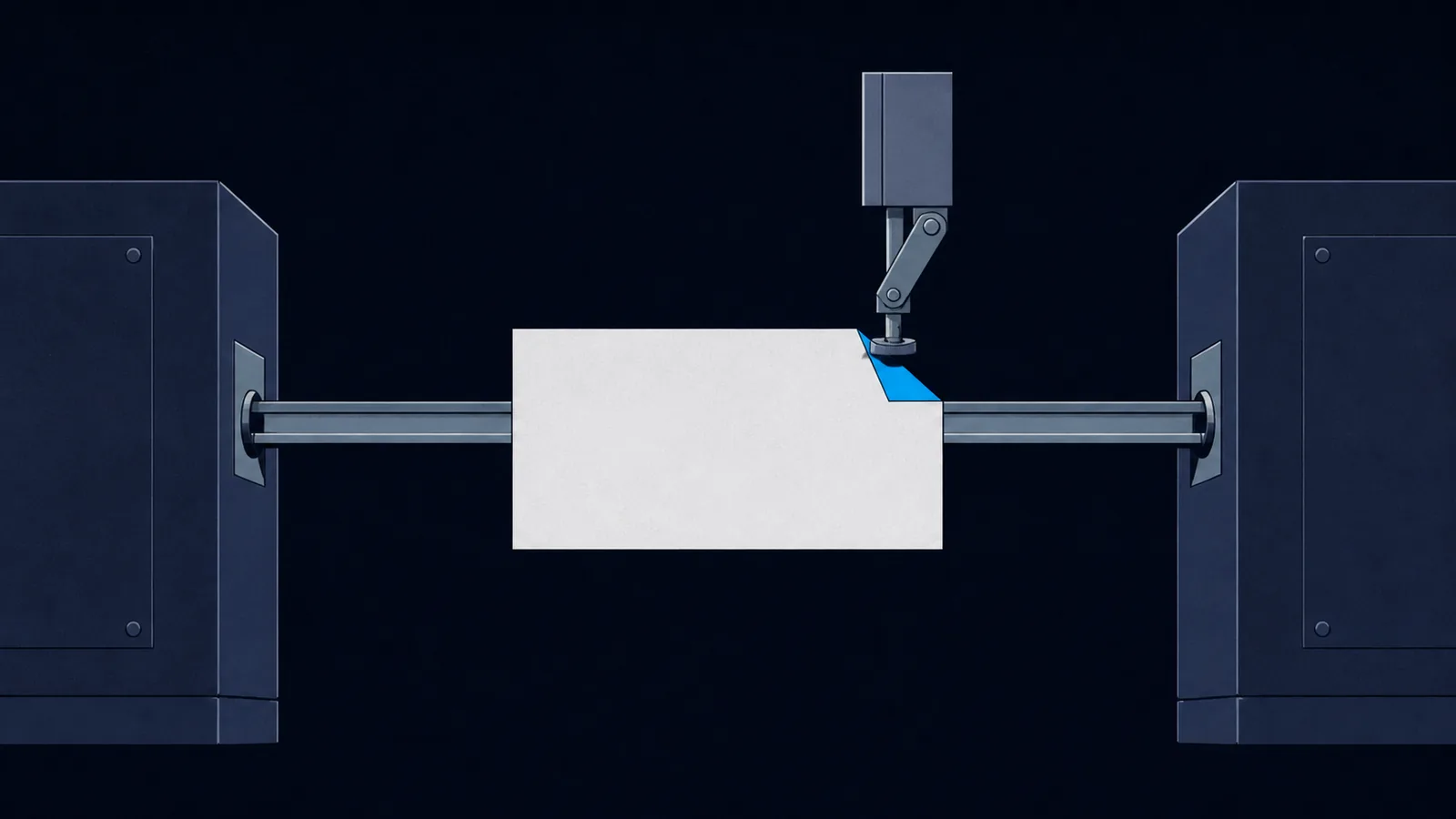
Web exploitation looks like a category about browsers. It is not. A browser is one particular HTTP client that refuses to send certain things, hides others from you, and adds headers you never asked for. Once you understand that the server only ever sees a few hundred bytes of text, and that you control every one of those bytes, the entire category changes shape. SQL injection, XSS, SSRF, IDOR, and file upload are all the same move: put something the developer did not expect into a request the developer did not expect you to edit.
The browser is not the client. It is a convenience wrapper around the client. The client is the request, and the request is a text file you can write by hand.
Every other web guide on this site assumes the protocol layer underneath it: how a request is structured, which headers CTF authors reach for, how to forge them with curl, and how to read the DevTools Network tab like a proxy log. If you already know this and want the attack classes, start at the web exploitation roadmap instead. If you want to find the endpoints in the first place, that is the web recon guide.
Anatomy of a request and a response
An HTTP request is a start line, headers, a blank line, and an optional body. That is the entire format, and it is specified in RFC 9112, which replaced the older RFC 7230 in 2022 when the HTTP specifications were split into semantics (RFC 9110) and wire format (RFC 9112). Here is a real request, complete:
POST /login HTTP/1.1Host: example.picoctf.netUser-Agent: curl/8.5.0Cookie: session=eyJhZG1pbiI6ZmFsc2V9Content-Type: application/x-www-form-urlencodedContent-Length: 31username=admin&password=hunter2
The response has the same shape, with a status line instead of a start line:
HTTP/1.1 302 FoundLocation: /dashboardSet-Cookie: session=eyJhZG1pbiI6dHJ1ZX0; HttpOnlyContent-Length: 0
Four things are worth internalizing from those two examples. The path and the Host header are separate, which is what makes virtual-host tricks possible. Cookies are just a header, so nothing stops you from editing one. The body format is declared by Content-Type, and changing that declaration changes how the server parses your input. And the blank line is structural: it is what separates headers from body, which is why injecting a newline into a header value is a bug class of its own.
That last point has a name and a number. The separator between header fields is CRLF (bytes 0x0D 0x0A), and the header section ends with a bare CRLF, so a reflected newline lets you invent headers or start a second response. MITRE catalogs it as CWE-113, HTTP response splitting. RFC 9112 is explicit that a sender must not generate a bare CR or LF inside a field value, precisely because recipients disagree about how to handle one.
Methods: the ones that matter and the ones that surprise servers
RFC 9110 defines eight methods (GET, HEAD, POST, PUT, DELETE, CONNECT, OPTIONS, TRACE), with PATCH registered separately by RFC 5789, and an HTML form can only ever produce two of them. That gap is where a large share of easy web findings live, because a route reachable only outside the browser is a route that was likely never tested from one. The RFC also marks GET, HEAD, OPTIONS, and TRACE as safe and PUT and DELETE as idempotent, distinctions that some frameworks use to decide whether CSRF protection applies at all.
GETsends parameters in the URL query string. They land in server logs and in browser history, which is why credentials in a query string are themselves a finding.POSTsends a body. Three encodings dominate:application/x-www-form-urlencoded,multipart/form-data(used for uploads, see the file upload guide), andapplication/json.PUT,DELETE,PATCHare common in APIs and frequently less guarded than theGETroute beside them. A route that checks authorization onGETand forgets onDELETEis a real and repeated CTF bug.OPTIONSsometimes lists the allowed methods in anAllowheader, which is free reconnaissance.HEADreturns headers without a body. Useful for probing large files and for spotting a header-only flag quickly.
POST instead of GET, or vice versa. Frameworks that route by path but check permissions by method fall over immediately.Status codes are the oracle you get for free
In a blind situation, status codes are often the only signal. Learn to read them as answers rather than as errors. RFC 9110 defines five classes (1xx informational, 2xx success, 3xx redirection, 4xx client error, 5xx server error) and registers around 40 specific codes. Two of them are the whole game for enumeration: the RFC describes 403 Forbidden as the server understanding the request but refusing it, and 404 Not Found as the server having no representation at all. A 403 therefore confirms the resource exists. It also notes that a server may send 404 instead of 403 to hide that existence, which is exactly the distinction a directory brute-force is measuring.
| Code | Means | What it tells an attacker |
|---|---|---|
| 200 | OK | The resource exists and you were allowed |
| 301 / 302 | Redirect | A body may still be present and may contain the flag |
| 401 | Unauthenticated | Credentials are missing, and the challenge is about supplying them |
| 403 | Forbidden | The resource exists. Something about you, not the path, was rejected |
| 404 | Not found | Keep enumerating. In a fuzz run, this is your baseline |
| 405 | Method not allowed | The route is real. Try the other verbs |
| 500 | Server error | Your input reached code that did not expect it. This is progress |
/admin confirms that /admin exists, which is worth more than a 200 on a page you already knew about. A 500 after you insert a single quote is the classic first sign of SQL injection.The headers CTF authors build challenges around
There is no shortage of HTTP headers to build a challenge around. The IANA HTTP Field Name Registry lists well over 300 standardized field names, and applications invent their own X- headers freely on top of that. Not one of them is authenticated. The handful below are the ones challenge authors actually reach for.
User-Agentidentifies the client. Servers that gate content on a specific browser string are a recurring beginner challenge, and the fix is onecurl -Aflag.Referer(misspelled in the standard) says where you came from. Used to enforce "you must arrive from the login page," and trivially forged.Cookiecarries session state. Editing it is the entire content of the cookies and JWT guide. Flipadmin=falsetoadmin=truebefore assuming anything is signed.Authorizationholds Basic credentials (base64, not encryption) or a Bearer token. Base64 in a header is decoding work, not cracking work.Hostselects the virtual host. Changing it can reach an internal site served by the same server.X-Forwarded-Forclaims a client IP. Apps that restrict admin pages to127.0.0.1and trust this header hand you the page for free. Its standardized successor, theForwardedheader of RFC 7239, carries the same risk, and the RFC's own security section says the header cannot be relied upon to be correct, because any node on the path, including the client, can modify it. Do not base access control on it. Try both spellings, plusX-Real-IPandX-Originating-IP.Content-Typedecides the parser. Switching a form post toapplication/jsonsometimes reaches a completely different code path, which is the entry point for NoSQL injection operator payloads.Accept-Language,Origin, customX-headers round out the set. Any header the app reads is a header you control.
Set-Cookie flags, Content-Security-Policy (it constrains your XSS payload), Server and X-Powered-By for stack fingerprinting, and any custom header. Flags have been hidden in response headers more than once, and a browser will never show you one unless you open the Network tab.curl recipes worth memorizing
curl is the fastest way to send a request that a browser would refuse to send. These flags cover most of web CTF.
curl -i https://target/ # show response headers with the bodycurl -v https://target/ # show the request you sent toocurl -A 'picobrowser' https://target/ # forge User-Agentcurl -e 'https://target/login' https://target/ # forge Referercurl -H 'X-Forwarded-For: 127.0.0.1' https://target/admincurl -b 'admin=true; session=abc' https://target/curl -X PUT https://target/api/user/2 # change the methodcurl -d 'user=admin&pass=x' https://target/login # form POSTcurl -H 'Content-Type: application/json' -d '{"user":"admin"}' https://target/api/logincurl -L https://target/ # follow redirectscurl -s -o /dev/null -w '%{http_code}\n' https://target/path # status only
curl -i by default, never plain curl. Half the beginner challenges in this class hide the flag in a response header or in the body of a redirect, and both are invisible without it.When you need to replay a complicated request, do not retype it. In DevTools, right-click the request in the Network tab and choose "Copy as cURL," then edit one field. For anything iterative, move to Burp Suite Repeater, and for scripted sequences use Python requests with a Session object so cookies persist automatically.
The DevTools workflow, in the order that finds things
Open DevTools with F12 and work these five panels in order. This sequence finds the flag in most beginner web challenges before you have tried a single exploit.
- Elements. Read the rendered DOM, not the source. Look for hidden inputs, commented-out blocks, and elements with
display: none. Authors hide flags in markup constantly. - Network. Reload with the panel open, then check Preserve log so redirects do not erase the evidence. Inspect every request: headers, response, and the initiator that fired it. Filter to XHR to find the API the page talks to.
- Sources. Read the JavaScript. Client-side validation, hardcoded endpoints, and API keys live here. If it is minified or packed, the JavaScript deobfuscation guide covers unpacking it.
- Application (or Storage). Cookies, localStorage, sessionStorage, and service workers. Cookies are editable in place, which is often faster than any tool.
- Console. Call the page's own functions directly. A client-side check written as
checkPassword()can usually just be invoked, read, or redefined from the console.
Host, an invalid method, a raw newline), leave the browser and use curl or a proxy.Redirects, and the flag you never saw
A 302 response can carry a full body, and RFC 9110 even suggests that 3xx responses should include a short hypertext note with a link to the new URI. Browsers throw that body away and follow the Location header, so a flag printed on a page that immediately redirects is invisible in normal browsing and obvious in curl. This is the single most common "where did it go" moment in beginner web CTF.
The redirect codes are not interchangeable, and the difference occasionally is the challenge. RFC 9110 defines 301 and 302 as historically allowing the client to change a POST into a GET, while 307 and 308 were introduced precisely to forbid that rewrite and preserve the method and body. If curl -L silently turns your POST into a GET and the challenge stops working, that is the rule you just met; add --post302 or send the second request by hand.
curl -i https://target/secret # see the 302 AND its bodycurl -i -L https://target/secret # follow, showing every hop
The same idea applies to responses your browser renders in a way that hides content: a Content-Type of text/html will swallow anything that looks like a tag. Fetch with curl and read the raw bytes, or use View Source rather than the Elements panel when you suspect the DOM has rewritten what the server actually sent.
Where to practice
The picoCTF HTTP challenges are the friendliest entry point in the entire web category. Every one of these is solved with header editing, a redirect, or the Network tab.
- picoCTF 2019 picobrowser gates the flag on a specific
User-Agent. Onecurl -Aaway. - picoCTF 2021 Who are you? stacks a series of header checks:
User-Agent,Referer,Date,X-Forwarded-For, and more, one per step. - picoCTF 2021 Get aHEAD wants a
HEADrequest, the method challenge in its purest form. - picoCTF 2024 Intro to Burp introduces intercepting and editing a request in flight rather than replaying it after the fact.
- picoCTF 2019 logon is the cookie flip: log in as anyone, then set the admin cookie yourself.
- picoCTF 2022 Power Cookie is the same idea with an unsigned cookie value the server trusts completely.
- picoCTF 2025 head-dump is enumeration rather than header editing: an unauthenticated Spring Boot Actuator endpoint streams a full JVM heap snapshot, and the secrets are simply sitting in it. Finding the route is the challenge.
- picoCTF 2026 failure failure puts a load balancer in front of the flag. You force the primary backend to look unhealthy so traffic fails over to a less hardened backup, which is request manipulation aimed at infrastructure rather than at the app.
Quick reference
First five moves on any web challenge
curl -ithe page and read every response header.- View source and search for
<!--,hidden, andflag. - Open the Network tab with Preserve log on and reload.
- Open Application and read every cookie and storage key.
- Change one header the app appears to trust and resend.
Where to go next
Finding endpoints is web recon. Editing sessions is cookies and JWT. Intercepting rather than replaying is Burp Suite. Access-control logic is auth bypass and IDOR. The full ordering of the category is the web exploitation roadmap.
Learn to see the request under the page and web challenges stop being about websites. They become about a short block of text that you, and not the browser, get to write.
Sources and further reading
HTTP is one of the best-specified things you will ever attack. When a server behaves strangely, the RFC almost always says why.
- RFC 9110 (semantics: methods, status codes, redirect behavior) and RFC 9112 (HTTP/1.1 message syntax, including the CRLF rules).
- RFC 6265 (cookies) and RFC 7239 (the
Forwardedheader and why it cannot be trusted). - IANA HTTP Field Name Registry for the full header list, and CWE-113 for response splitting.
- Tooling: the curl manual and the Chrome DevTools Network reference.
- The MDN HTTP headers reference as the lookup table for anything a response sends back that you did not expect. Most web challenge hints are in a header nobody read.